Official Android Application
ANUPAM X AUTHNOW ON ANDROID
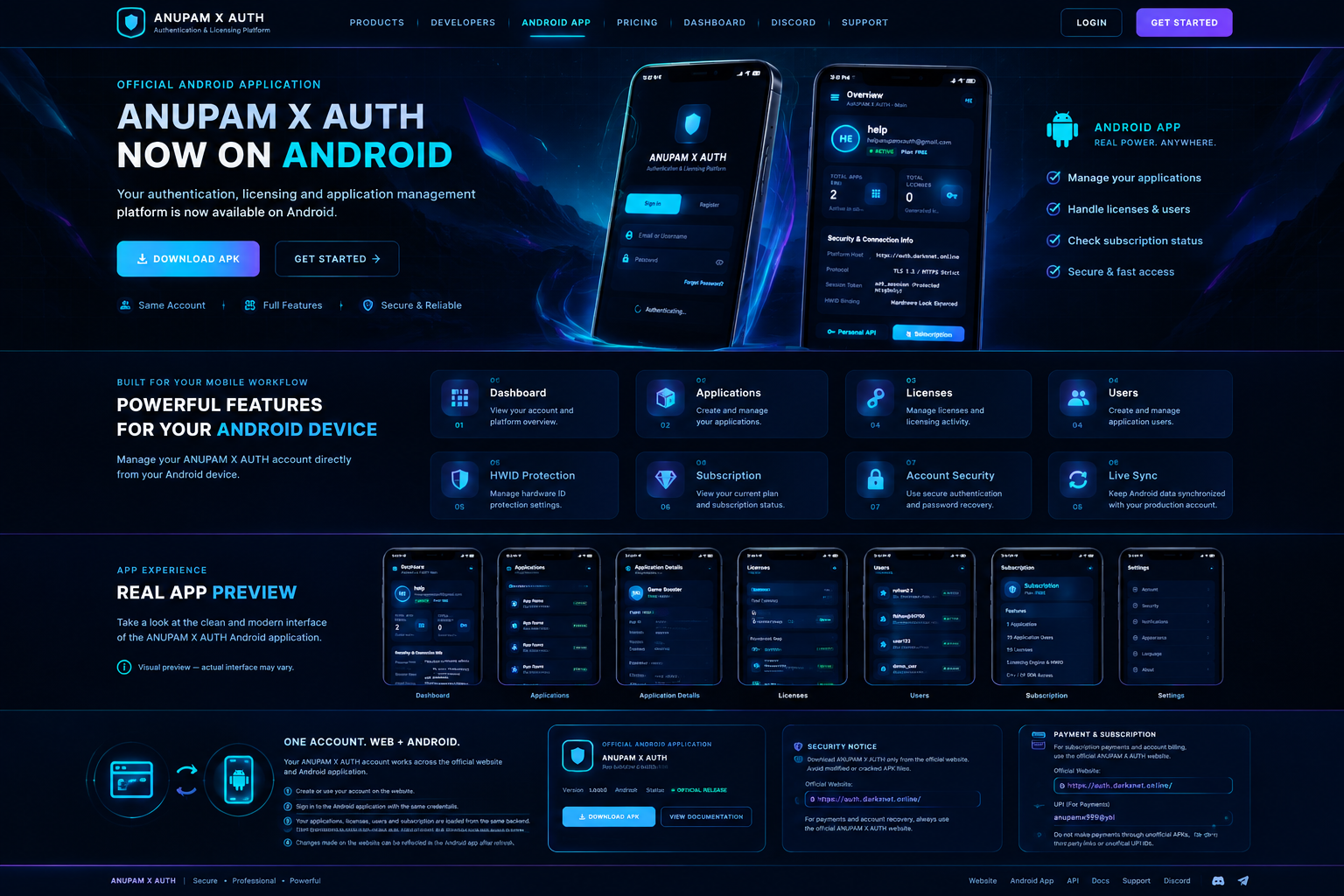
Your authentication, licensing and application management platform is now available on Android.
ANUPAM X AUTH
Android App
Android Application
BUILT FOR YOURMOBILE WORKFLOW.
Manage your ANUPAM X AUTH account directly from your Android device.
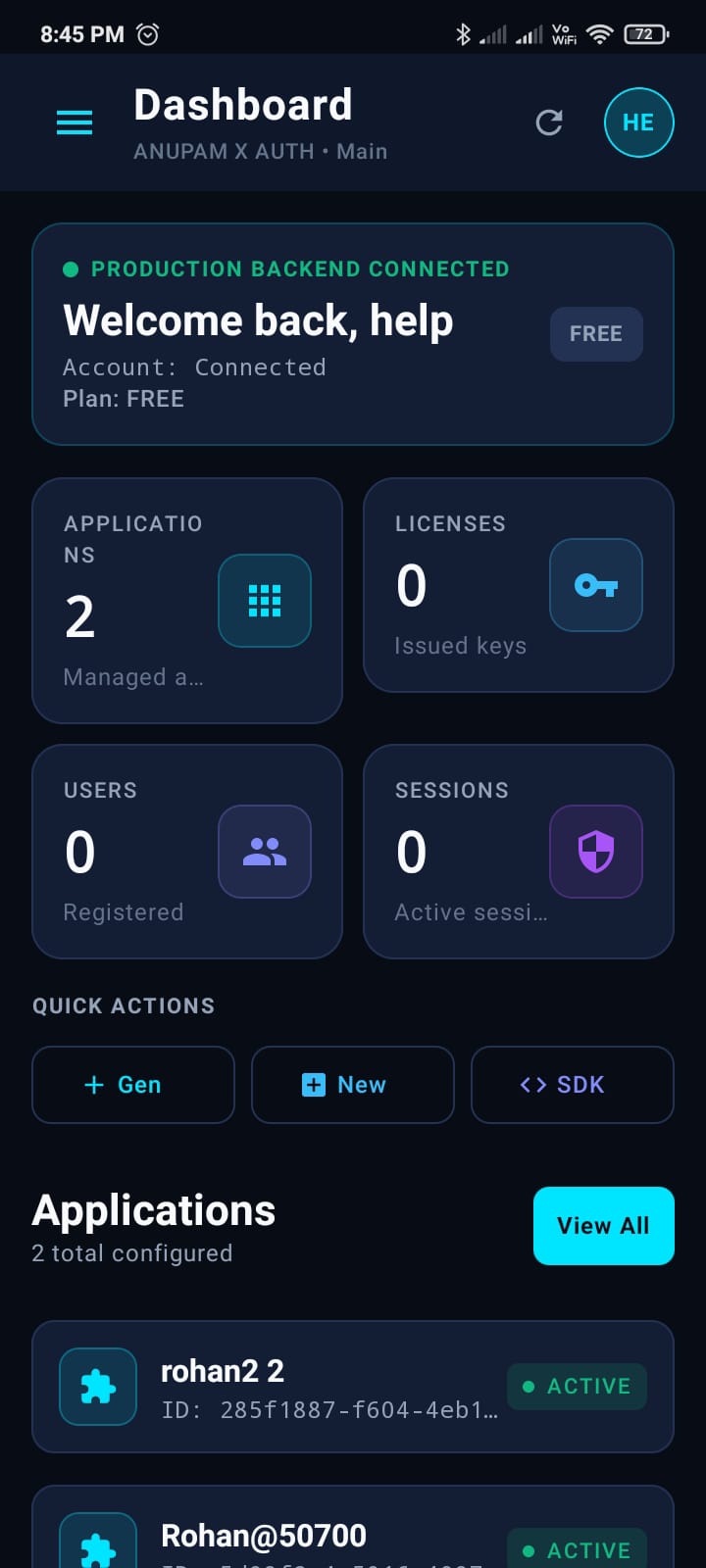
Dashboard
View your account and platform overview.
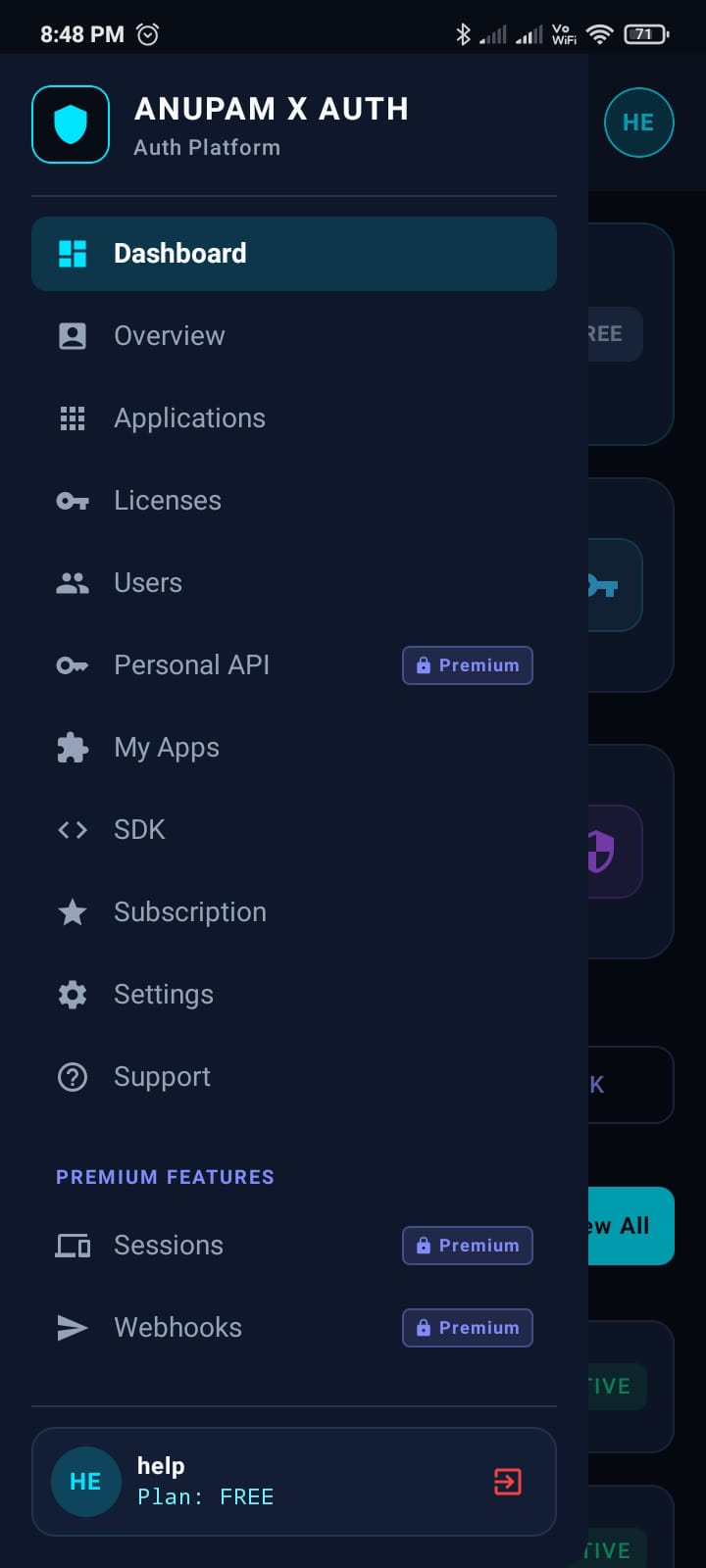
Applications
Create and manage your applications.
Licenses
Manage licenses and licensing activity.
Users
Create and manage application users.
HWID Protection
Manage hardware ID protection settings.
Subscription
View your current plan and subscription status.
Account Security
Use secure authentication and password recovery.
Live Sync
Keep Android data synchronized with your production account.
App Experience
DESIGNED FORDAILY USE.
A look at the screens of the official ANUPAM X AUTH Android application.
ANUPAM X AUTH
Dashboard
Screenshot to be added
ANUPAM X AUTH
Applications
Screenshot to be added
ANUPAM X AUTH
Application Details
Screenshot to be added

ANUPAM X AUTH
Licenses
Screenshot to be added
ANUPAM X AUTH
Users
Screenshot to be added
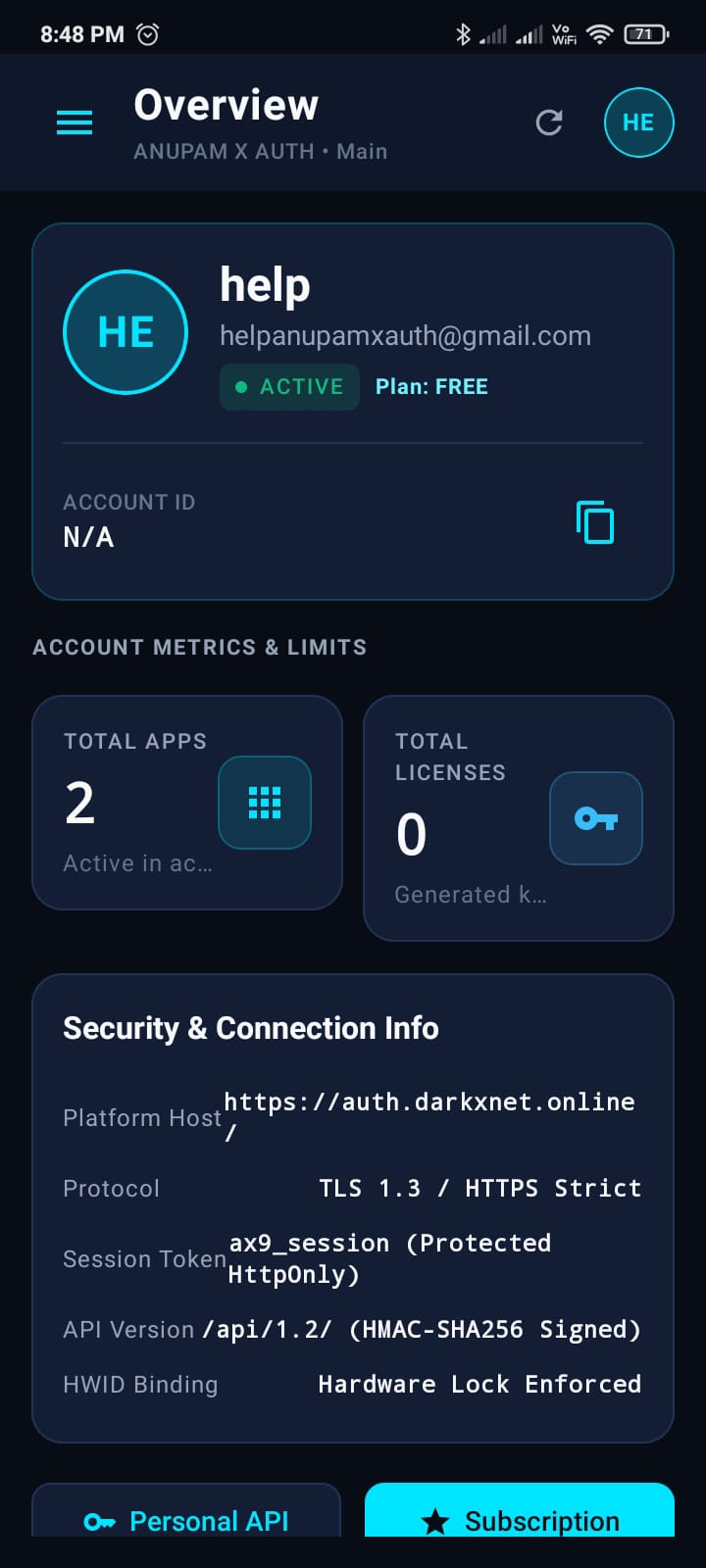
ANUPAM X AUTH
Subscription
Screenshot to be added

ANUPAM X AUTH
Settings
Screenshot to be added

Same Account System
ONE ACCOUNT.WEB + ANDROID.
Your ANUPAM X AUTH account works across the official website and Android application.
- 1Create or use your account on the official website.
- 2Sign in to the Android application using the same account.
- 3Your applications, licenses, users and subscription are loaded from the same production backend.
- 4Changes made on the website can be reflected in the Android app after refresh or synchronization.
Data Flow
Website
auth.darkxnet.online
Your ANUPAM X AUTH Account
Single credentials
Android App
Official application
Same Applications • Licenses • Users • Plan
Already have an account?
SIGN IN WITHTHE SAME ACCOUNT.
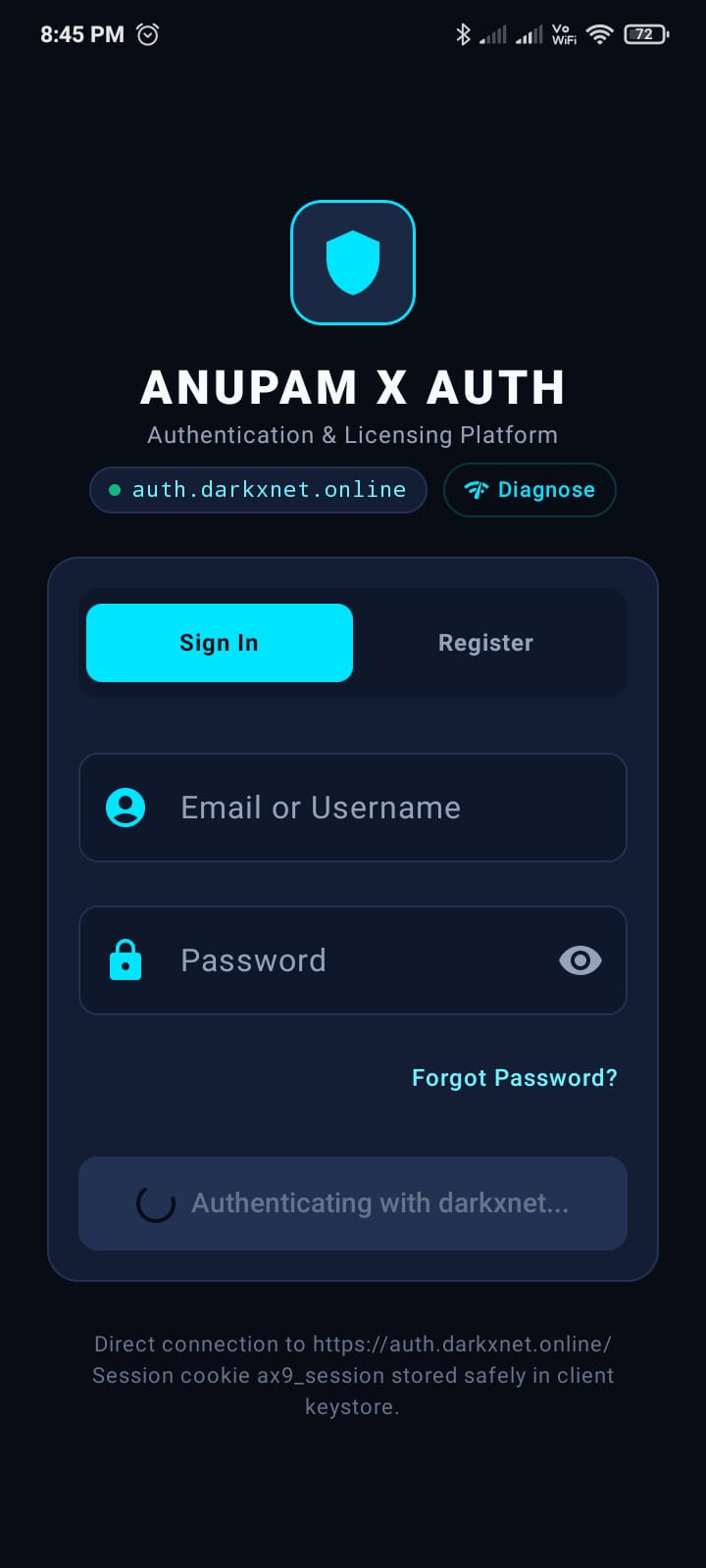
If you already have an ANUPAM X AUTH account, simply sign in to the Android application with the same account credentials.
Use the same ANUPAM X AUTH account credentials. The Android application authenticates against the same production backend — there is no separate Android-only account.
The sign-in options available in the Android application are exactly the ones supported by your ANUPAM X AUTH account.
First Launch
A GUIDEDINTRODUCTION.
On first launch the Android application introduces the platform in four quick screens — then takes you straight to the sign-in screen. It is shown only once and can be skipped at any time.
- Shown only on first launch
- Skip available on every screen
- Completes into the login screen
Interactive preview — tap Next / Skip
Welcome to
ANUPAM X AUTH
Secure authentication and licensing management, now in your pocket.

Official Android Application
ANUPAM X AUTH
Official Download
Download the Android application only from:
https://auth.darkxnet.online/Avoid modified or unofficial APK files.
For payments, account recovery and important account actions, use the official ANUPAM X AUTH website.
Payment & Subscription
For subscription payments and account billing, use the official ANUPAM X AUTH website.
Website: https://auth.darkxnet.online/
Sensitive account actions and billing are handled on the official website — the Android application never stores server secrets, payment credentials or database credentials.